
Introduction: Why the CompTIA Cloud+ (CV0-003) is Harder Than You Think
If you are reading this guide, you likely fall into one of two categories: you are an experienced IT professional wondering why the practice exams for a “vendor-neutral” certification are surprisingly difficult, or you are a student holding a freshly minted exam voucher who just realized that the CompTIA Cloud+ (CV0-003) is not merely a vocabulary test. In the ecosystem of CompTIA certifications, the Cloud+ has historically been the quiet middle child, often overshadowed by the trifecta of A+, Network+, and Security+. However, with the release of the CV0-003 version, this exam has undergone a radical transformation that frequently catches candidates off guard.
The single most common reason candidates fail the CV0-003 is miscalibration of difficulty. There is a pervasive myth in the industry that because the exam does not require you to configure specific AWS Security Groups or Azure Resource Managers, it is inherently easier than vendor-specific certifications. This assumption is dangerous. In fact, the vendor-neutral nature of the exam requires a deeper, more fundamental understanding of cloud physics. You cannot rely on memorizing a specific vendor’s GUI; you must understand the underlying architecture—hypervisors, storage protocols, orchestration logic, and network virtualization—that powers all cloud platforms simultaneously.
The transition from the previous version (CV0-002) to the current CV0-003 represents a shift from “Cloud Concepts” to “Cloud Operations.” CompTIA has aggressively updated the domains to reflect the reality of the modern System Administrator. The exam is no longer just about defining what SaaS or PaaS is; it is about diagnosing why a specific PaaS deployment is experiencing high latency due to a misconfigured load balancer script.
The “Troubleshooting” Trap
The most significant hurdle in the CV0-003 is the sheer weight of the Troubleshooting domain. In many IT certifications, troubleshooting is a minor footnote. In Cloud+, it constitutes 22% to 29% of the entire exam content. This is not a test where you can simply identify a problem; you are expected to apply the official CompTIA troubleshooting methodology to solve complex, multi-layered infrastructure issues.
Consider the difference in cognitive load required:
- Knowledge-based Question (Easy): “What utilizes a Type 1 Hypervisor?”
- CV0-003 Application Question (Hard): “A system administrator notices that a Linux VM in a hybrid cloud environment is unable to mount a block storage volume. The logs indicate a latency timeout. The storage array is reachable via ping, and the LUN is presented to the host. Which of the following is the MOST likely cause?”
To answer the second question, you do not just need to know what block storage is. You need to understand iSCSI initiators, network latency impacts on storage mounting, and likely Linux CLI verification commands. This guide dissects these exact scenarios.
Furthermore, the CV0-003 introduces high-stakes Performance-Based Questions (PBQs). These are simulations that drop you into a virtual environment—often a network diagram or a pseudo-CLI—where you must configure access control lists (ACLs), resize subnets using CIDR notation, or repair a broken firewall rule. A failure to prepare for the specific mechanics of these PBQs is a primary driver of exam failure.
Who This Guide Is For
This 6,000-word comprehensive analysis is designed for a specific subset of IT professionals. If you are looking for a glossary of terms, there are plenty of flashcards available elsewhere. This article is written for:
- The “Over-Confident” Specialist: AWS or Azure certified professionals who believe their specific platform knowledge translates 1:1 to CompTIA’s vendor-neutral terminology (it often does not).
- The “Theory-Heavy” Student: Candidates who have read the books but lack hands-on experience with Linux command lines, hypervisor resource allocation, or disaster recovery planning.
- The Retest Candidate: Individuals who scored between 680 and 740 on their first attempt and need to identify the specific logic gaps that kept them from the passing score of 750.
The Scope of Failure Points
Throughout this guide, we will move beyond generic study advice. We are going to deconstruct the exam failure points into three distinct categories:
- Technical Pitfalls: Specific technologies like VXLAN, GRE tunnels, and storage tiering where candidates consistently choose the wrong answer due to a lack of depth.
- Strategic Errors: Mistakes made in time management, specifically regarding the “flag and skip” method for PBQs, and how to decode the “BEST vs. NEXT” wording in questions.
- Conceptual Gaps: The misunderstanding of high-availability (HA) versus disaster recovery (DR), and the nuances of the Shared Responsibility Model that trip up even seasoned engineers.
The CV0-003 is a gatekeeper exam. It validates that you possess the cross-platform fluency required to work in a multi-cloud or hybrid environment. By understanding the common mistakes detailed in the following sections, you will stop fighting the exam format and start demonstrating your technical competency. Let’s begin by analyzing the most expensive mistakes candidates make regarding the exam’s technical content.

The Weighted Reality: Misjudging Domain Importance
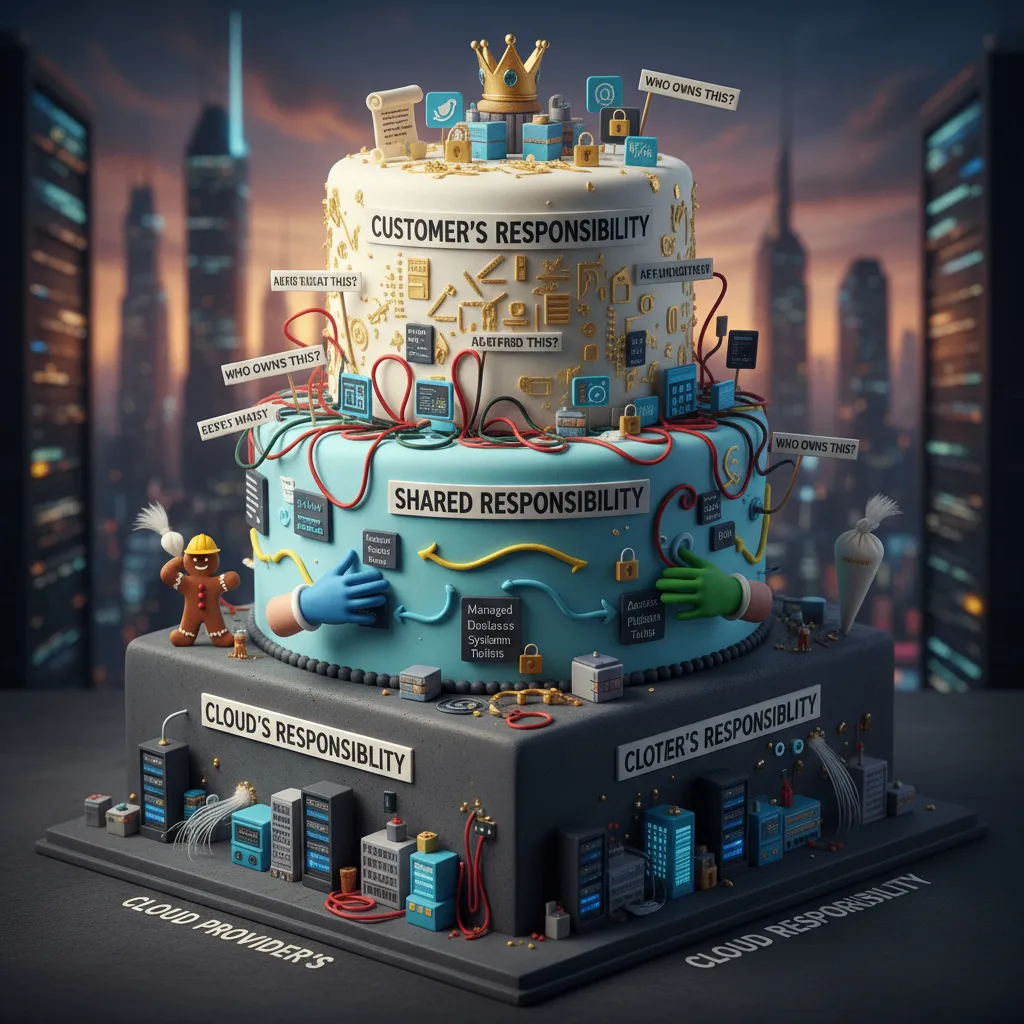
Shared Responsibility Model: The Source of Architectural Confusion
One of the most frustrating reasons candidates fail the CompTIA Cloud+ (CV0-003) exam isn’t a lack of technical knowledge; it is a fundamental misunderstanding of boundaries. When I analyze failed exam attempts with students, we almost always find that they answered questions based on how their current employer operates, rather than the strict definitions outlined in the Shared Responsibility Model. In the real world, lines blur. In the Cloud+ exam, lines are absolute.
The Shared Responsibility Model forms the backbone of cloud architecture questions. If you misidentify who owns a specific layer of the stack—the Cloud Service Provider (CSP) or the Customer—you will inevitably choose the wrong troubleshooting step or security control. The exam will not ask you to simply define IaaS; it will present a security breach scenario and ask you who is at fault.
The “Who Patches What?” Trap
The most common exam error in this domain involves patch management. Candidates frequently assume that because a resource is “in the cloud,” the provider handles all maintenance. This assumption is fatal for Infrastructure as a Service (IaaS) questions.
Let’s look at how the responsibility shifts across service models, specifically regarding patching and security, as this is where the exam focuses its trickiest questions:
| Feature | IaaS (Infrastructure as a Service) | PaaS (Platform as a Service) | SaaS (Software as a Service) |
|---|---|---|---|
| Hardware/Physical Security | Provider | Provider | Provider |
| Hypervisor | Provider | Provider | Provider |
| Operating System (OS) | Customer (CRITICAL MISTAKE) | Provider | Provider |
| Application/Runtime | Customer | Customer (Code/Data) | Provider |
| Identity & Access (IAM) | Customer | Customer | Customer |
| Data Encryption | Customer | Customer | Customer |
The IaaS Pitfall: In an IaaS environment (like an EC2 instance or an Azure VM), the CSP is responsible for the physical hardware and the hypervisor (Type 1). However, the moment the Guest OS boots up, it is 100% your responsibility. I have seen candidates fail questions about a “zero-day vulnerability in the Linux Kernel” because they selected an answer suggesting the CSP would auto-patch it. In IaaS, if you don’t patch the OS, it doesn’t get patched.
The SaaS Pitfall: Conversely, in SaaS environments (like Microsoft 365 or Salesforce), candidates often assume they have no responsibility. This is false. While you don’t manage the software code, you are entirely responsible for Identity and Access Management (IAM) and Data Classification. If a user accounts question appears involving a SaaS CRM, the correct answer will almost always involve configuring Multi-Factor Authentication (MFA) or adjusting role-based access control (RBAC), not requesting a patch from the vendor.
NIST SP 800-145: Decoding Deployment Models
The Cloud+ exam adheres strictly to the definitions provided by NIST SP 800-145. A major source of confusion arises when candidates mix up deployment models based on physical location rather than ownership and accessibility. You must decouple the idea of “location” from the definition of the cloud model.
Here is where the confusion manifests in exam scenarios:
- Private Cloud vs. On-Premises: This is the most nuanced distinction. Candidates often think “Private Cloud” simply means “My own data center.” However, a Private Cloud can be hosted off-premise by a third-party provider, dedicated solely to your organization. The defining characteristic is exclusivity of tenancy, not the physical location of the server. If a question describes a “third-party hosted environment dedicated to a single organization,” the answer is Private Cloud, not Public Cloud.
- Community Cloud Misunderstandings: I rarely see Community Cloud used in the wild, which makes it a prime target for exam questions. Candidates often mistake it for a “Public Cloud for a small group.” The key differentiator is shared concerns. If the question mentions multiple organizations (e.g., several hospitals or banks) sharing infrastructure to meet specific regulatory compliance (HIPAA, PCI-DSS) or security requirements, it is a Community Cloud. If the organizations do not share a specific mission or compliance need, it is likely just a Public Cloud.
- Hybrid Cloud Complexity: To be technically considered “Hybrid” by NIST standards, there must be two distinct cloud infrastructures (Private, Community, or Public) that remain unique entities but are bound together by standardized or proprietary technology that enables data and application portability. A common mistake is answering “Hybrid” when a company is simply migrating data. The key scenarios for Hybrid answers involve Cloud Bursting (spilling over traffic from private to public during peak loads) or Disaster Recovery (using public cloud as a failover for private infrastructure).
Managed Services vs. Self-Managed Infrastructure
A significant portion of the “Architecture” domain requires you to select the appropriate solution based on business requirements. The exam loves to test your ability to distinguish between Managed Services (PaaS/SaaS) and Self-Managed Infrastructure (IaaS).
The mistake here is usually choosing the “Technically Possible” answer rather than the “Operationally Efficient” answer. CompTIA questions often include phrases like “minimize administrative overhead,” “reduce time to market,” or “ensure granular control over the operating system.”
Scenario Example: The Database Dilemma
Question Context: An organization needs to deploy a high-availability SQL database. The requirements state that the IT team must minimize the time spent on patching and backups.
The Wrong Choice (IaaS): “Deploy two Virtual Machines, install SQL Server, and configure clustering.”
Why candidates pick this: It is a valid technical solution that many sysadmins build daily. However, it requires you to manage the OS, the database installation, the patching, and the backup scripts. This violates the requirement to “minimize time spent.”
The Correct Choice (PaaS): “Deploy a Managed SQL Database Service (e.g., Amazon RDS, Azure SQL) with Multi-AZ enabled.”
Why this is the answer: A managed service abstracts the OS and patching layers. The provider handles backups and high availability (HA). This directly addresses the requirement to reduce administrative overhead.
Conversely, watch for the flip side: If the question changes the requirement to “requires installation of a custom legacy driver on the OS level” or “needs access to the file system,” the PaaS solution becomes invalid because managed services rarely allow OS-level access. In that specific case, the IaaS (VM) solution becomes the correct answer.
Deciphering the “Responsible Party” in Troubleshooting
Finally, the confusion regarding the Shared Responsibility Model bleeds heavily into the Troubleshooting domain (29% of the exam). When a scenario describes a failure, your first mental step must be to categorize the service model to determine who is responsible for the fix.
If you see a question stating that a web application is throwing a 503 error:
- If it is hosted on IaaS (VMs): You (the candidate) must investigate the web service (Apache/Nginx/IIS) on the server, check the load balancer configuration, or verify the security group.
- If it is hosted on PaaS (App Service): You cannot log into the server. You must check the application logs provided by the dashboard, quota limits, or the provider’s status page.
- If it is SaaS: You generally can only check your local network connection or the vendor’s public status dashboard.
The mistake candidates make is trying to apply IaaS troubleshooting steps (like “SSH into the server” or “Restart the daemon”) to a PaaS or SaaS scenario where those actions are impossible. Always identify the service model before you identify the solution.
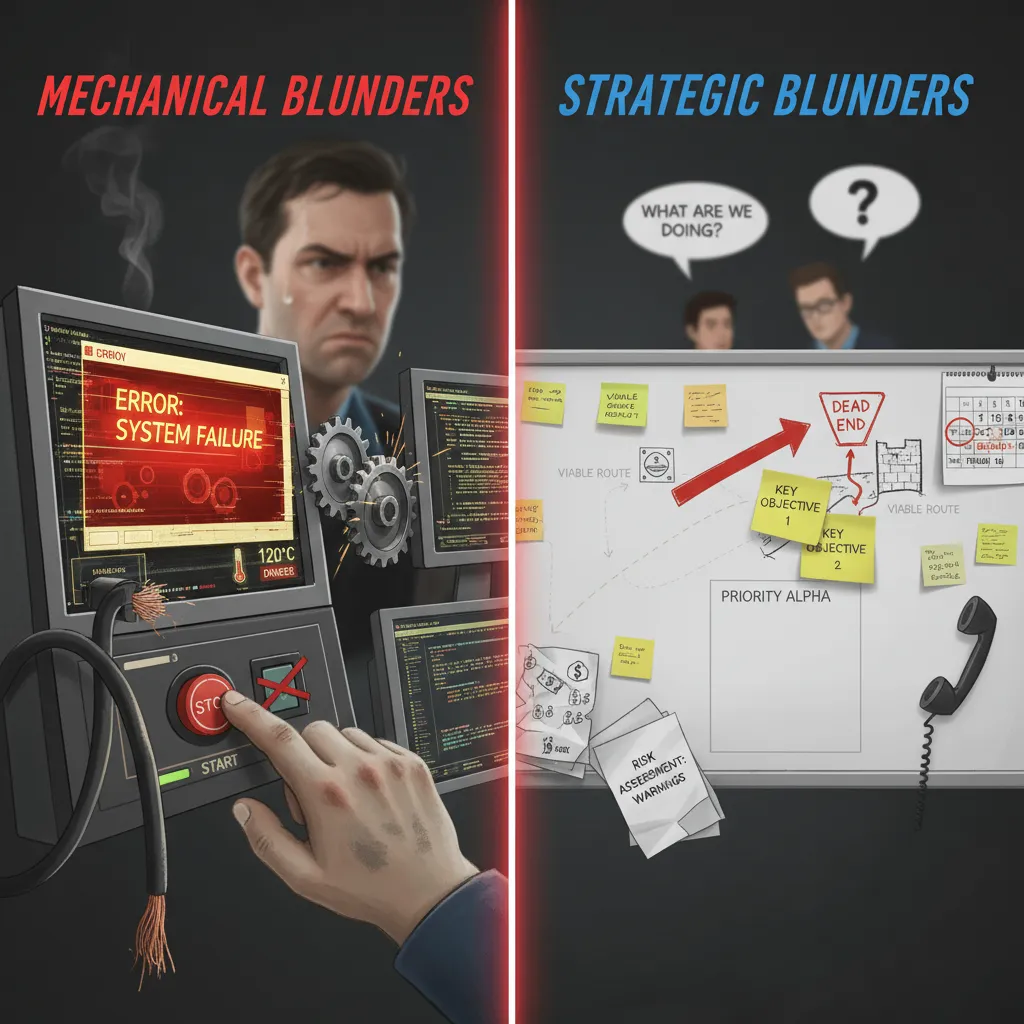
Performance-Based Questions (PBQs): Mechanical and Strategic Blunders
The single most intimidating aspect of the CompTIA Cloud+ (CV0-003) exam is the Performance-Based Question (PBQ). Unlike standard multiple-choice questions where you have a 25% chance of guessing correctly, PBQs require you to perform a task in a simulated environment or drag-and-drop interface. These questions test your ability to solve problems in a virtualized environment, not just your ability to memorize definitions.
However, the most common reason candidates fail the PBQ section isn’t always a lack of technical knowledge; it is a breakdown in strategy and a misunderstanding of the exam interface mechanics. Let’s dissect the specific mechanical and strategic blunders that occur in this high-stakes section.
The “Time Sink” Strategic Error
The most fatal mistake candidates make is treating the PBQ as just “another question.” In reality, a PBQ is a time-management trap. It is not uncommon for a PBQ to appear as the very first question on the exam. The psychological impact of opening the exam and immediately facing a complex network topology diagram or a Linux terminal prompt can be paralyzing.
The Mistake: Candidates often spend 15 to 20 minutes trying to perfect the first simulation. By doing this, they cannibalize the time required for the remaining 70+ multiple-choice questions. If you spend 20 minutes on two PBQs, you are left with roughly one minute per question for the rest of the exam—a recipe for failure.
The Strategic Fix: Implement a hard “Time Cap” rule.
- Assess immediately: Read the prompt. If you do not instantly know the first step (e.g., “I need to open the ACL settings”), click the “Flag for Review” button and move on.
- The 5-Minute Rule: Never spend more than 5 minutes on a single simulation during your first pass. It is better to secure points on 20 easier questions than to struggle for perfection on one difficult simulation.
Interface Mechanics: Resetting vs. Undoing
The CompTIA exam interface is not as intuitive as modern cloud dashboards like AWS Management Console or Azure Portal. It is often clunky, and the resolution can sometimes be restrictive. A massive mechanical error involves how candidates handle mistakes within the simulation.
If you are working on a drag-and-drop topology question—for example, placing servers into specific subnets—and you realize you have made a mess of the configuration, trying to manually drag items back to their origin can be glitchy and frustrating. You might leave a “ghost” configuration behind that affects your score.
The Reset Button: Most candidates are terrified to touch the “Reset” button, fearing it will reset their entire exam. It does not. The Reset button (usually located within the question frame) clears only the current simulation to its default state. If you find yourself in a configuration loop where firewall rules are conflicting or routes are illogical, do not try to untangle the knot manually. Hit Reset. It is faster to rebuild a clean configuration from scratch than to troubleshoot a broken simulation.
Scenario 1: The Virtual Network Configuration Trap
One of the most frequent PBQ scenarios involves configuring a Virtual Private Cloud (VPC) or Virtual Network (VNet). The prompt will likely ask you to segment a network to support a web server, an application server, and a database server, ensuring high availability and security.
The Blunder: The most common error here is a fundamental misunderstanding of CIDR notation and Subnetting.
Candidates often attempt to place a subnet with a larger range (e.g., /24) inside a VNet with a smaller defined range (e.g., /26), or they create overlapping subnets. The simulation may not prevent you from making this logical error, but the grading algorithm will penalize you heavily. Furthermore, candidates often forget to configure the Gateway. Creating the subnets is only half the battle; if you do not drag the “Internet Gateway” or “NAT Gateway” object to the correct public subnet, the simulated environment is technically valid but functionally useless.
Scenario 2: Firewall and Security Group Logic
Another high-probability PBQ involves correcting a firewall rule set or Access Control List (ACL) that is blocking legitimate traffic. You will be presented with a list of rules (Source IP, Destination Port, Protocol, Action).
The Blunder: Ignoring the “Implicit Deny” and Rule Ordering.
Firewalls process rules from top to bottom. Once a packet matches a rule, processing stops. A frequent mistake is placing a generic “Allow All” rule at the top of the list, effectively rendering all subsequent security restrictions useless. Conversely, placing a “Deny All” rule above specific “Allow” rules will block traffic before it ever gets permission to pass.
Example of a fatal error:
| Rule Order | Traffic Type | Action | Result |
|---|---|---|---|
| 1 | ANY | DENY | incorrect placement. This kills all traffic immediately. No other rules matter. |
| 2 | HTTPS (443) | ALLOW | Ignored because Rule 1 already executed. |
In the simulation, you must drag these rules into the correct hierarchy. Ensure your specific “Allows” (like Port 443 for Web or Port 22 for SSH) are at the top, and your “Deny All” or “Implicit Deny” is at the very bottom.
Scenario 3: The Load Balancer Misconfiguration
You may be asked to configure a load balancer to distribute traffic to a backend pool of web servers. The prompt will usually specify that the web servers are listening on HTTP (Port 80) but the load balancer must accept traffic on HTTPS (Port 443).
The Blunder: Failing to configure the Health Probe or SSL Offloading correctly.
Many candidates successfully set up the listener on Port 443 but forget that the backend communication might need to be on Port 80 (SSL Termination/Offloading). If you configure the load balancer to send traffic to the backend instances on Port 443, but the instances aren’t configured for SSL, the health check will fail, and the load balancer will mark the instances as “Unhealthy.” The simulation considers this a complete failure because the service is down.
Partial Credit and the “Empty Field” Hazard
There is a persistent myth that CompTIA exams are “all or nothing” for PBQs. While CompTIA does not release their exact grading algorithm, industry analysis and expert consensus strongly suggest that partial credit is awarded on complex multi-step PBQs. If a question asks you to configure four routers and you configure three correctly but miss one, you will likely receive points for the correct work.
The Fatal Mistake: Leaving a PBQ blank. Because the simulations can be intimidating, some candidates freeze and decide to skip them entirely to save time. This is catastrophic for your score. A zero on a high-weighted PBQ is difficult to recover from using only multiple-choice answers.
Recommendation: Even if you are running out of time, put something on the board. If the question asks for a firewall configuration, drag a few logical rules into place. If it asks for a network setup, place the servers in the subnets even if you aren’t sure about the IP ranges. Attempting the question gives you a statistical chance at partial points; leaving it blank guarantees a zero.
Ignoring the CompTIA 6-Step Troubleshooting Methodology
One of the most frustrating paradoxes of the CompTIA Cloud+ exam is that your real-world experience can actually work against you. If you are a seasoned systems administrator, your muscle memory tells you to fix a problem as soon as you see it. However, on the CV0-003 exam, speed is not the metric—process is. The exam strictly enforces the CompTIA 6-Step Troubleshooting Methodology. A significant number of candidates fail the troubleshooting domain (which makes up 29% of the exam) because they select the “fix” before they have officially “established a theory.”
To pass, you must essentially pause your instinct to solve the issue and instead identify exactly where you are in the CompTIA timeline. If you skip a step, you get the question wrong, even if your technical solution was accurate.
- Identify the problem: Question the user, identify changes to the computer, and perform backups before making changes.
- Establish a theory of probable cause: Question the obvious. If necessary, conduct external or internal research based on symptoms.
- Test the theory to determine the cause: Once the theory is confirmed, determine the next steps to resolve the problem. If the theory is not confirmed, establish a new theory or escalate.
- Establish a plan of action to resolve the problem and implement the solution: Refer to the vendor’s instructions for guidance.
- Verify full system functionality and, if applicable, implement preventive measures: Ensure the fix didn’t break something else.
- Document findings, actions, and outcomes: Update the knowledge base.
The “Next Step” Trap
The most common format for tricky questions in this domain ends with the phrase: “What should the administrator do NEXT?”
Consider a scenario where the question describes a cloud instance that has lost network connectivity. The prompt details that you have already checked the logs and confirmed that a recent security group update blocked port 443. This means you are currently at Step 3 (you have tested the theory and determined the cause).
The options provided might look like this:
- A) Modify the security group to allow port 443.
- B) Document the issue and the resolution.
- C) Create a plan of action to reverse the security group changes.
- D) Verify that the web server service is running.
In the real world, you would click option A immediately. You see the block; you remove the block. On the exam, however, clicking option A is incorrect. Why? Because according to the rigid methodology, you cannot implement a solution (Step 4, second half) until you have established a plan of action (Step 4, first half). Therefore, the technically rigid answer that CompTIA wants is Option C.
Deconstructing the “Identify” Phase (Step 1)
Another frequent error occurs at Step 1. Many questions will present a scenario where a user reports a vague error, such as “The application is slow.” Candidates often jump immediately to checking CPU utilization or looking at memory metrics. While these are valid troubleshooting steps, they technically fall under Step 2 (Establishing a theory) or Step 3 (Testing the theory).
If the question places you at the very beginning of the incident, the correct answer usually involves information gathering rather than technical investigation. Look for answers that involve:
- Asking the user specifically when the issue started.
- Checking if any changes were made to the environment recently (Change Management logs).
- Backing up the current state of the system (a critical Step 1 requirement often forgotten).
- Reviewing system logs to understand the scope (identifying symptoms).
| Scenario Stage | The Instinctive (Wrong) Answer | The CompTIA Methodology (Correct) Answer | Reasoning |
|---|---|---|---|
| User reports latency. | Increase the instance size (Vertical Scaling). | Review monitoring logs to identify resource bottlenecks. | You cannot fix (Step 4) what you haven’t identified (Step 1). |
| You suspect a bad patch caused a crash. | Rollback the patch immediately. | Test the theory on a sandbox environment. | You are only at Step 2 (Theory). You must Test (Step 3) before acting. |
| You fixed the issue. | Close the ticket. | Verify full system functionality. | Skipping Step 5 is dangerous; fixing one thing often breaks another in complex cloud dependencies. |
Why Step 5 (Verify) Matters More in Cloud+
Step 5, “Verify full system functionality,” is particularly heavily weighted in Cloud+ compared to other certifications like A+ or Network+. In a cloud environment, resources are loosely coupled. If you fix a database connection string in a web server (Step 4), the web server might work, but an autoscaling group might still be deploying new instances with the old configuration script.
Questions will often bait you into closing the ticket immediately after applying a patch. However, if an answer choice mentions “Wait for the load balancer health check to return to passing status” or “Verify the autoscaling launch configuration,” that is invariably the correct choice. In the context of the Cloud+ exam, the job isn’t done when the error message disappears; the job is done when the ecosystem is stable.
The “Divide and Conquer” Approach
Finally, be aware of questions that ask how to approach a complex problem within the methodology. CompTIA favors the OSI model “Divide and Conquer” strategy during Step 2 (Establish a theory). If a question asks how to isolate a connectivity issue between a cloud VM and an on-premise database, the exam prefers answers that logically rule out layers. For example, pinging the gateway (Layer 3) to rule out physical connectivity issues before checking the API keys (Layer 7). If you jump straight to checking the application code, you are failing the “Establish a theory” process by ignoring th