

How to Get Your Professional Education Badge on LinkedIn: The 2025 Authority Guide
In 2025, a static resume is invisible. The new currency of credibility isn’t what you say you can do; it is the verified digital badge displayed prominently on your LinkedIn profile. Specifically, professionals are scrambling to secure the coveted Gold “Community Top Voice” badge, while smart recruiters are scanning for third-party verified certifications from Credly or Accredible.
I’ve reviewed thousands of profiles in my career, and the difference between a “good” candidate and a “hired” candidate often comes down to visual proof of expertise. It’s a harsh reality, but in a digital-first hiring environment, if your skills aren’t verified, they arguably don’t exist.
According to Pearson VUE’s “2025 Value of IT Certification Candidate Report”, 79% of certified employees produce higher quality work compared to their non-certified peers. The market knows this, and that’s why you are here.
This guide isn’t just a list of steps. It is a strategic roadmap to earning LinkedIn’s gold badge, integrating Credly certifications, and understanding the data-backed ROI of displaying them right now.
The Two Types of Professional Badges You Need
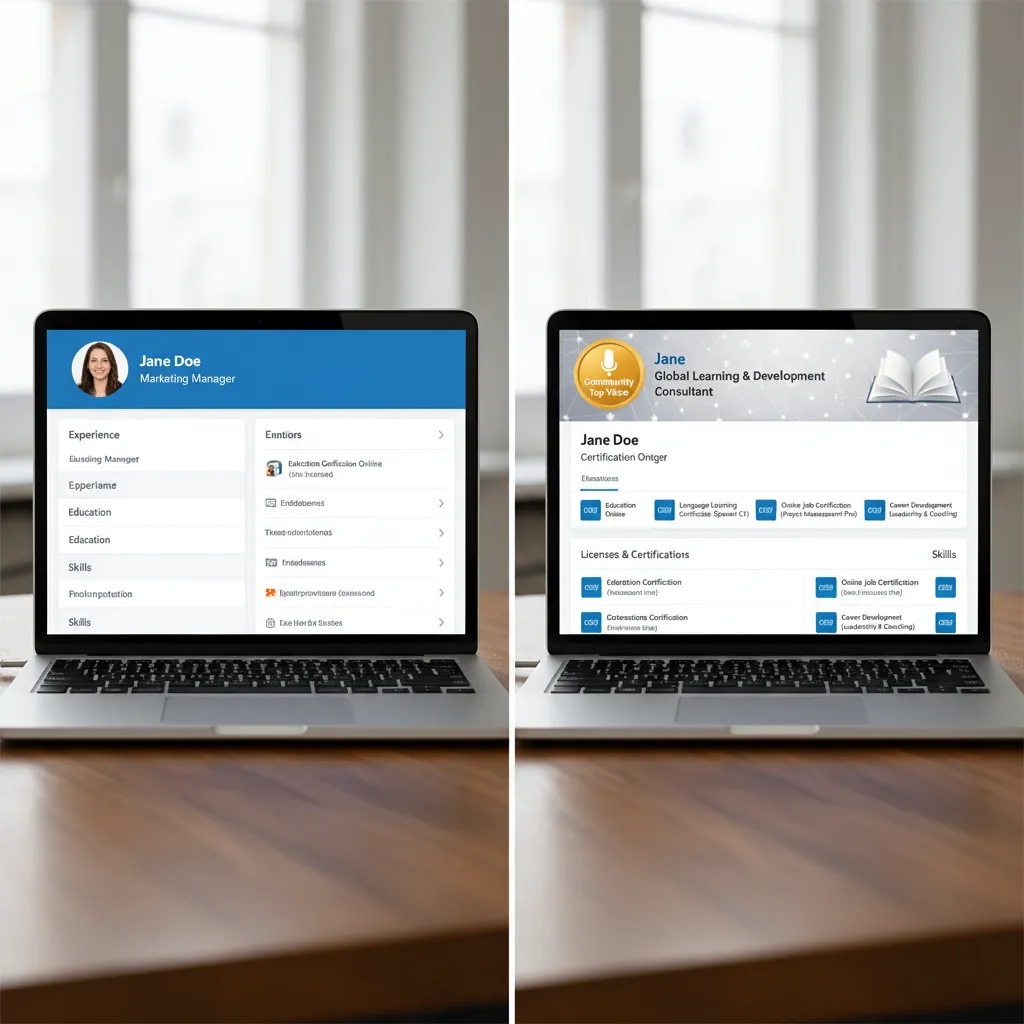
Before we dive into the “how-to,” we need to clear up a massive misconception I see daily. There are two distinct types of badges on LinkedIn, and they serve different purposes. Confusing them is the number one reason professionals fail to optimize their profiles effectively.
1. The “Earned” Badge: LinkedIn Community Top Voice (Gold)
This is the badge everyone wants right now. It is algorithmically awarded to members who make significant contributions to “Collaborative Articles.” It is distinctly Gold (sometimes appearing light orange). Do not confuse this with the Blue “LinkedIn Top Voice” badge, which is an invite-only honor for global influencers and is not something you can apply for.
2. The “Verified” Badge: Third-Party Certifications
These are issued by educational providers like Google, AWS, Microsoft, or HubSpot, usually via platforms like Credly or Accredible. These prove you passed an exam. According to VerifyEd’s “Workplace Skills 2025 Report”, 72% of employers prefer micro-credentials with instant tamper-proof validation (blockchain) over standard resume claims.
How to Get the LinkedIn “Community Top Voice” Badge (Gold)
This is likely the primary reason you are searching for this guide. The Gold badge is a signal to the algorithm (and recruiters) that you are a thought leader in a specific niche. But here is the thing: you can’t just “request” it. You have to game the system—ethically.
Step 1: Identifying “Collaborative Articles” in Your Niche
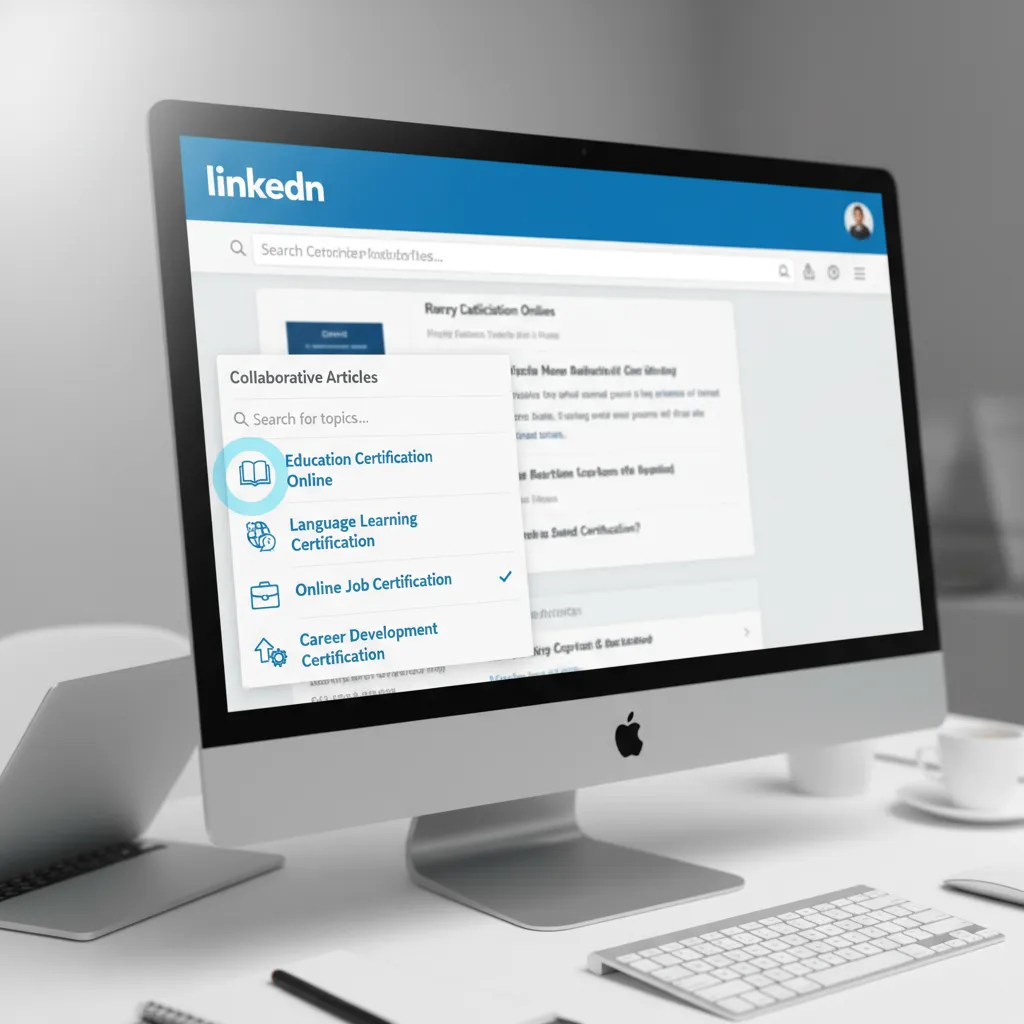
To earn the badge, you must contribute to LinkedIn’s AI-generated collaborative articles. You cannot get this badge by writing your own posts or articles. You must add value to theirs.
- Navigate to the LinkedIn Collaborative Articles hub (usually found via direct search or links on the “Jobs” page sidebar).
- Select a specific skill category relevant to your expertise (e.g., “Digital Marketing,” “Software Engineering,” “Leadership”).
- Pro Tip: Don’t choose a broad category like “Business.” Pick a niche like “B2B Sales” where competition is lower, making it easier to reach the top 5% of contributors.
Step 2: The “Rule of 3” Strategy
How many contributions do you need? In my experience, and based on forum data from 2024-2025, writing one comment isn’t enough. You need consistency.
I recommend the Rule of 3: Contribute to at least 3 distinct articles within your chosen skill category every single day for 5 to 7 days. This signals to the algorithm that you are an active participant, not a drive-by commenter.
Step 3: Writing for the Algorithm
This is where most people fail. They write “Great point!” or “I agree.” The algorithm ignores these. To get the badge, your contributions must receive “Reactions” (Likes/Insightfuls) from other users. Content quality is your only lever here.
Structure your contribution like this:
- The Hook: “In my experience managing X project…” (Personalize it immediately).
- The Pivot: “While the article suggests Y, I’ve found that Z is often more effective because…” (Add unique value).
- The Takeaway: A bulleted list of 2-3 actionable steps.
As noted by Andrew Ng, Co-Founder of Coursera, in a world reshaped by AI, “investing in AI-related skills will be key for increasing productivity.” Ironically, to beat the AI algorithm on LinkedIn, you must be more human. Share failures and specific numbers. AI cannot hallucinate your personal experience.
Step 4: Retaining the Badge (The 60-Day Cycle)
Here is the catch that LinkedIn doesn’t advertise loudly: The Gold Badge expires. It is valid for 60 days. If you stop contributing, you lose it. To maintain it, you must continue adding high-quality contributions weekly. Treat it like a plant; water it, or it dies.
How to Add Verified Certifications (Credly/Accredible)
While the Gold badge is about influence, verified badges are about competence. If you have completed a Google Professional Certificate or an AWS exam, you must display it correctly to trigger the “Licenses & Certifications” filter recruiters use.
Step 1: Locate the “Accept” Email
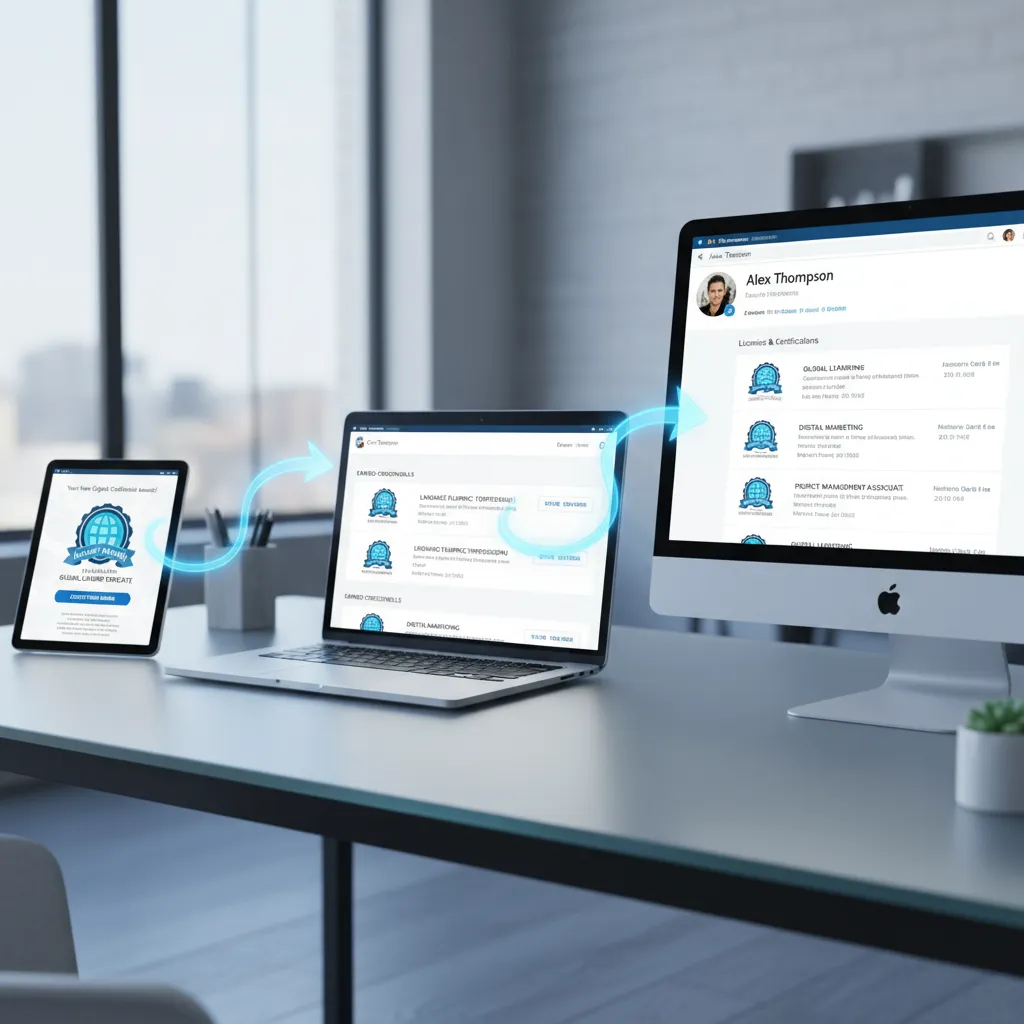
When you pass a certification (from providers like Pearson VUE or HubSpot), you will receive an email from a badging platform (usually Credly, Accredible, or Badgr). You must click the “Accept Badge” link inside. It is not automatic.
Step 2: The “One-Click Share” Feature
Once you are logged into Credly (or similar):
- Go to your Dashboard and select the badge.
- Click the “Share” button at the top right.
- Select the LinkedIn icon.
- Crucial: Ensure you check the box that says “Add to my Profile,” not just “Share to Newsfeed.” Sharing to the feed is temporary; adding to the profile is permanent.
Step 3: Manual Entry (The Backup Method)
If the automatic sync fails (which happens about 15% of the time in my experience), you must add it manually.
Go to LinkedIn Profile > Add Section > Recommended > Licenses & certifications.
Fill in these fields precisely:
- Name: Exact name of the cert.
- Issuing Organization: Tag the official company page (e.g., “Amazon Web Services (AWS)”).
- Credential URL: This is vital. Paste the unique public link from Credly. Without this, the “Show Credential” button won’t appear, and your badge is just text without proof.
The ROI of Badges: Why Bother? (Data-Backed)
You might be wondering, “Is this worth the effort?” I used to be skeptical too, until I looked at the data coming out of 2024 and 2025. The return on investment for digital badging is measurable and significant.
💰 Salary Impact
“32% of IT professionals received a salary increase immediately after earning a certification, with 31% of those raises being above 20%.” — Pearson VUE, “2025 Value of IT Certification Candidate Report” (April 2025).
Hiring Velocity and Market Growth
The global digital credential management market is projected to reach $2.58 billion in 2025, growing at a CAGR of 12.6%, according to The Business Research Company’s “Digital Credential Management Software Market Report 2025”. This growth is driven by employers shifting from degree-based hiring to skill-based hiring.
Furthermore, Pearson VUE’s 2025 report indicates that 63% of respondents received a job promotion or anticipated one shortly after earning a certification. If you are sitting on undocumented skills, you are leaving money on the table.

Common Badge Mistakes to Avoid
I’ve seen brilliant professionals sabotage their credibility with simple errors. Avoid these three traps:
1. Listing “Course Completion” as “Certification”
There is a major difference between watching a 2-hour video course and passing a proctored exam. Do not list a Udemy “Certificate of Completion” in the same way you list a PMP® or CPA. It dilutes your brand. Put course completions under “Courses” or “Learning,” and save “Licenses & Certifications” for rigorous, exam-based credentials.
2. Letting the Gold Badge Expire
Consistency is key. I have seen profiles gain the Top Voice badge, experience a surge in profile views (often 6x), and then lose it 60 days later because they stopped writing. Set a calendar reminder to contribute to one Collaborative Article every Tuesday and Thursday.
3. Broken Verification URLs
Click your own links. If a recruiter clicks “Show Credential” and gets a 404 error, trust creates instantly evaporates. According to VerifyEd’s “Workplace Skills 2025 Report”, validation is the primary concern for 72% of employers.
Strategic Advice for 2025 and Beyond
The landscape of professional education is shifting rapidly toward AI and specialized skills. Coursera’s “Job Skills of 2024 Report” highlighted that enrollments in GenAI content grew 4x year-over-year. If you don’t have a badge related to AI or data literacy on your profile by the end of 2025, you risk looking obsolete.
My recommendation: Don’t just collect badges for the sake of it. Build a narrative. If you are a Project Manager, combine a PMP® (Verified Badge) with consistent contributions to “Leadership” collaborative articles (Gold Badge). This combination of verified technical knowledge and demonstrated thought leadership is the ultimate authority signal.
FAQ
How many articles do I need to contribute to for a LinkedIn Top Voice badge?
There is no fixed number, but the consensus among successful earners is consistent contribution to at least 3 articles per day for a week, aiming to reach the “Top 5% of contributors” in that specific skill. Quality (engagement/likes) matters more than quantity.
Can you buy a LinkedIn Top Voice badge?
No. You cannot buy the Community Top Voice (Gold) or the Influencer Top Voice (Blue) badges. Any service claiming to sell these is a scam and puts your account at risk of suspension.
Do LinkedIn badges expire?
Yes and No. The Community Top Voice (Gold) badge expires after 60 days if you do not maintain your contribution level. Verified Certifications (Credly) only expire if the certification itself has an expiration date (e.g., many AWS or Cisco certs expire after 3 years).
What is the difference between a license and a certification on LinkedIn?
A License typically gives you the legal right to practice (e.g., Registered Nurse, CPA, Medical Board). A Certification validates mastery of a specific skill or technology (e.g., Google Analytics, PMP). Both go in the same section on LinkedIn.
Why did I lose my LinkedIn Top Voice badge?
The algorithm re-evaluates contributors every 60 days. If other users in your skill category contributed more or received higher engagement than you during that period, you may drop out of the top 5%, causing the badge to be removed. You can earn it back by increasing your activity.
Conclusion
Earning a professional education badge on LinkedIn—whether it’s the algorithm-driven Gold badge or a third-party verified credential—is one of the highest-ROI activities you can perform for your career in 2025.
The data from Pearson VUE and Coursera is clear: these digital assets correlate directly with higher salaries, faster promotions, and increased employer confidence. But beyond the metrics, they tell a story of a professional who is committed to continuous learning.
Don’t let your skills go unnoticed. Start your first Collaborative Article contribution today, dig up that Credly email you ignored, and claim the digital authority you have earned.